Separate lives, one window.
Each space has its own cookies, site storage, history, saved passwords, form data, extensions and permissions. No second profile, no second window.
Fully isolated spaces
Isolation across 17 stores, checked by an automated suite on every change.
A sidebar you organize
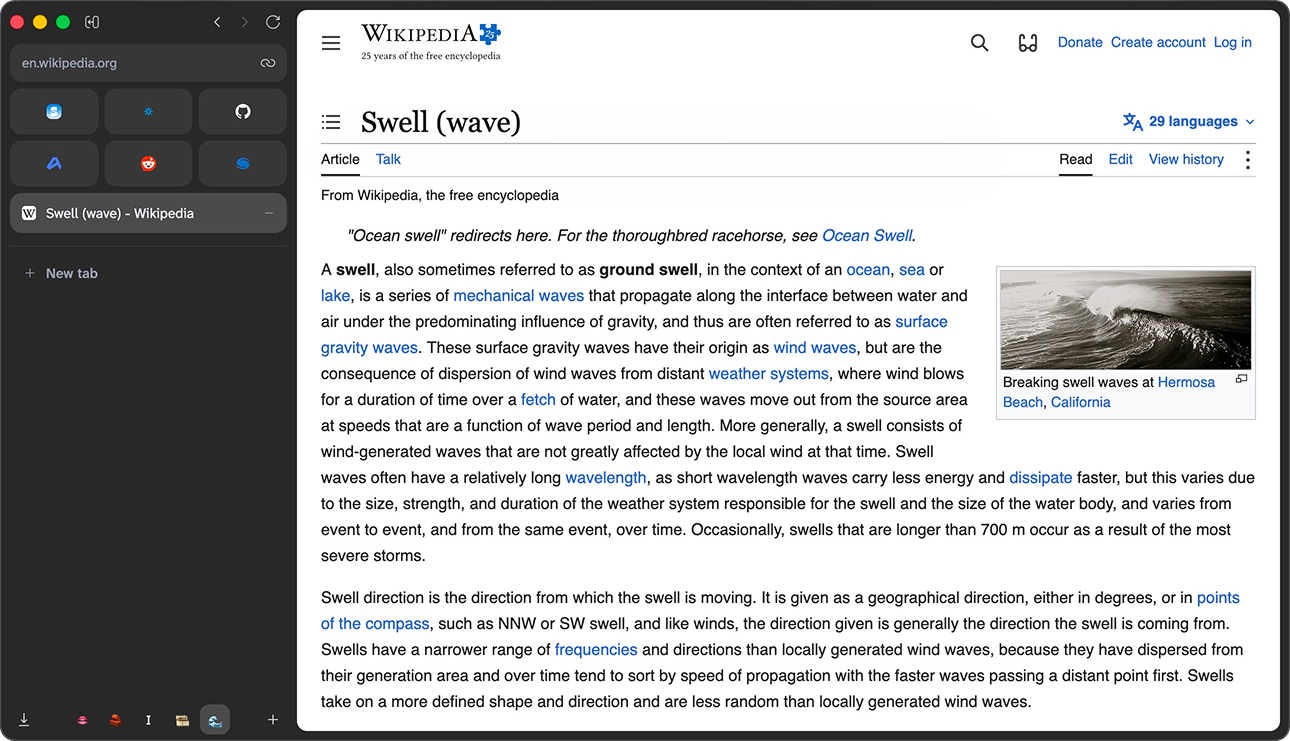
Favorites, pinned tabs and folders, plus today's tabs. Cmd+Z puts back a deleted row.
Command bar
Search, open sites and reach your tabs from the keyboard, and restore closed tabs.
Passwords per space
Passwords, addresses and cards, encrypted with a key per space in the system keychain.
Import from Arc
Bring your Arc sidebar over from its StorableSidebar.json file.
Private by default
No telemetry, no crash reporter, no accounts. Updates are never installed for you.
Two accounts, one site, side by side.
Sign in to work and personal accounts of the same site at once. Add-ons, camera, microphone and downloads stay in their space too, and deleting a space deletes everything it kept.
Opening the alpha.
The alpha is for developers and curious users, and it is not signed or notarized yet. Beta builds will be signed.
You can verify the download with the checksum published next to it on the release page.
- Open the downloaded disk image and drag Swell to Applications.
- In Applications, right-click Swell and choose Open, then press Open again.
- If macOS still refuses, run this once in Terminal:
xattr -dr com.apple.quarantine /Applications/Swell.app
- Unpack
Swell-<version>-<arch>.tar.xzwhere you want to keep it. - Run the installer inside it to add Swell to your application menu:
./install.sh
- Swell needs GTK 3 and, to keep saved passwords encrypted, libsecret with a keyring running.
./install.sh --uninstallremoves the entry.
What works, what does not.
Works today
- Spaces, a sidebar of favorites, pinned tabs and folders
- Command bar and import from Arc
- Passwords, addresses and cards per space
- Downloads, camera, microphone and add-ons per space
- Find in page, print, spell check, developer tools
Not yet
- Sync
- Windows
- Save Page As
- A history view
- Other languages
Found a problem? Open an issue. Security reports: see the security policy.